September 2026 – Deyu Wang
Deep dive on the satisfaction of rounded corners
Rectangles give products their structure, and rounded corners make them human
Almost everything we use is a rectangle: phones, books, tables. The rectangle keeps things in order, and rounded corners make them friendly to interact with.
Why we round corners
A sharp corner hurts. A table with square outside corners sits at exactly the height of a toddler’s head, causing injuries. A business card with sharp corners will painfully stab the palm of your hand; one with round corners won’t. A wall’s 90° corner also hurts if you accidentally bump into it.
Sharp inside corners also trap dirt. In a sink with sharp inside corners, grime settles where the cleaning sponge cannot reach. (If they’re rounded too much, however, the sink can hold fewer dishes.)
Sharp corners are also prone to damage. The Comet airplane had square-cornered window openings. Stress gathered at those corners until the metal cracked, and in 1954 two Comets came apart in flight.
Extending it to software
Software interfaces adopted round corners too, so they would feel as familiar as physical objects.
In 1981, Bill Atkinson told Steve Jobs that rounded rectangles were too hard to draw on the Mac. Jobs walked him around the block and pointed them out: in windows, on traffic signs, etc. Apparently this was the beginning of incorporating rounded corners into the original Mac interfaces.
But because software is not directly touched by hand, its UI can be as sharp as you want without negative consequences (other than being an eyesore). Windows has switched back and forth between sharp and round corners over the course of its 40 years. I feel like a core reason why Windows XP felt like a huge upgrade was not just its refreshed colors, but also the round corners of its UI.

A circular corner isn’t enough
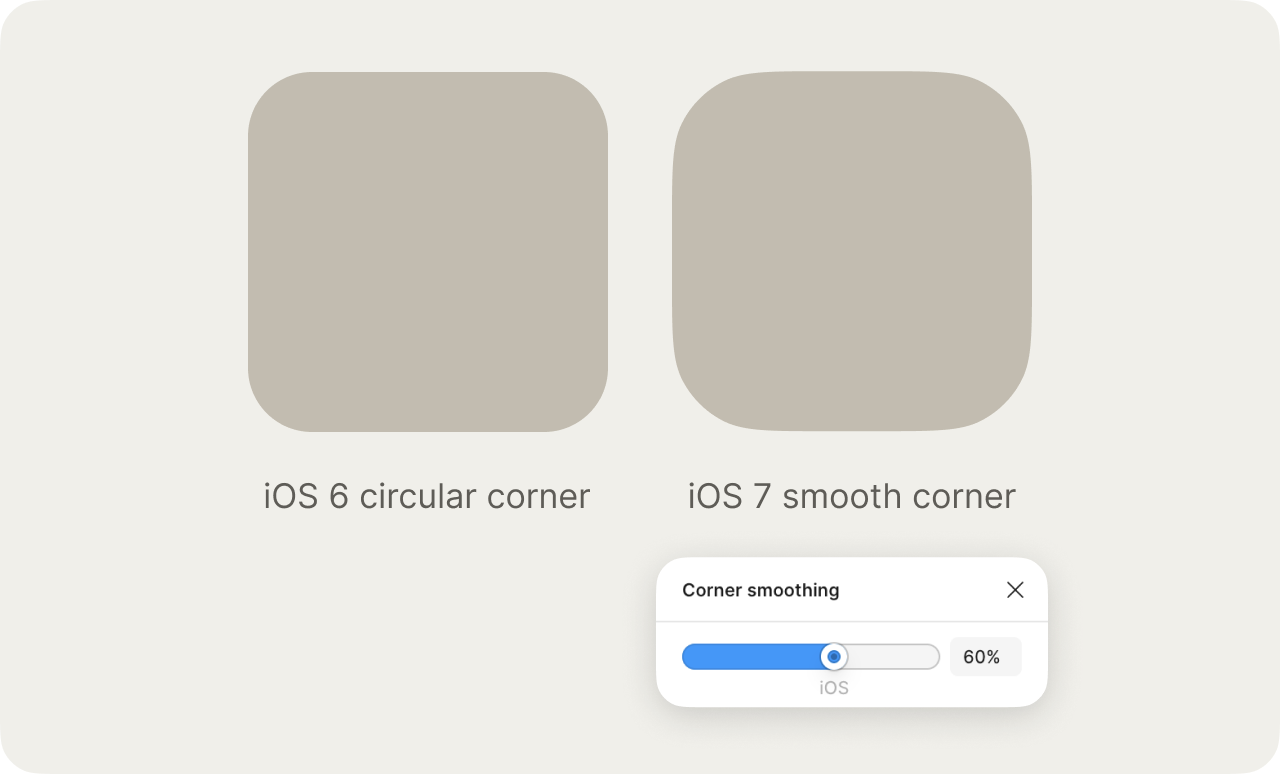
The usual way to round a corner is to cut it with a quarter of a circle. It’s what border-radius does in CSS, and what most design tools do by default.
But if you look more closely, it still doesn’t feel like the best appearance. The straight edge doesn’t bend at all, and when it reaches the circular bend, it’s bending the exact same amount at every step, until it reaches the next straight edge.
This circular corner doesn’t feel natural because there’s nothing in our biological world that has this trait.
The smooth corner, on the other hand, feels much more natural and human. It starts bending while the edge still looks straight, bends hardest in the middle, then eases out. It reads less like a rectangle with its corners cut off and more like one soft object, like a river stone.
Apple
Apple has cared about this detail for a very long time. In 2013, when Jony Ive took over software design, iOS 7 moved the app icons and UI from circular corners to smooth ones. They didn’t become too “squircle-y” like the Samsung app icons, so most people didn’t notice this subtle change. But to nerds like me, this upgrade is incredible.
Corners that agree
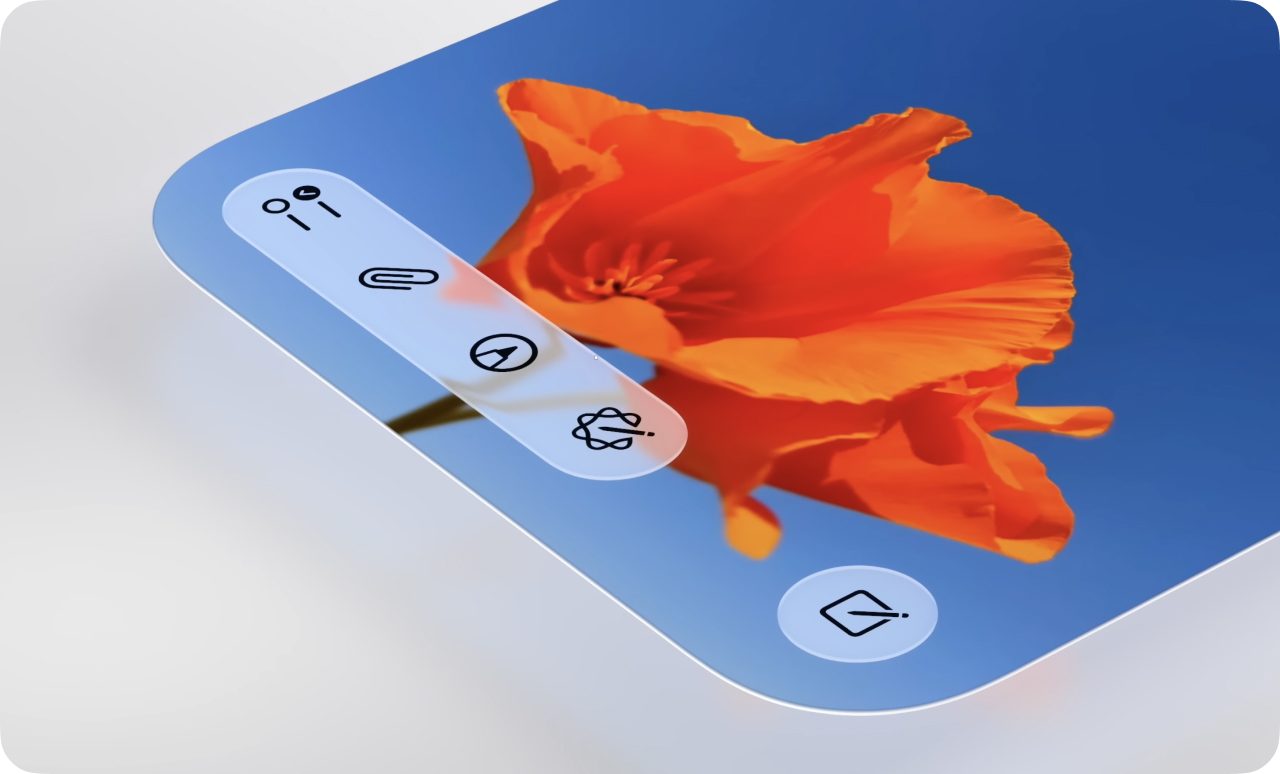
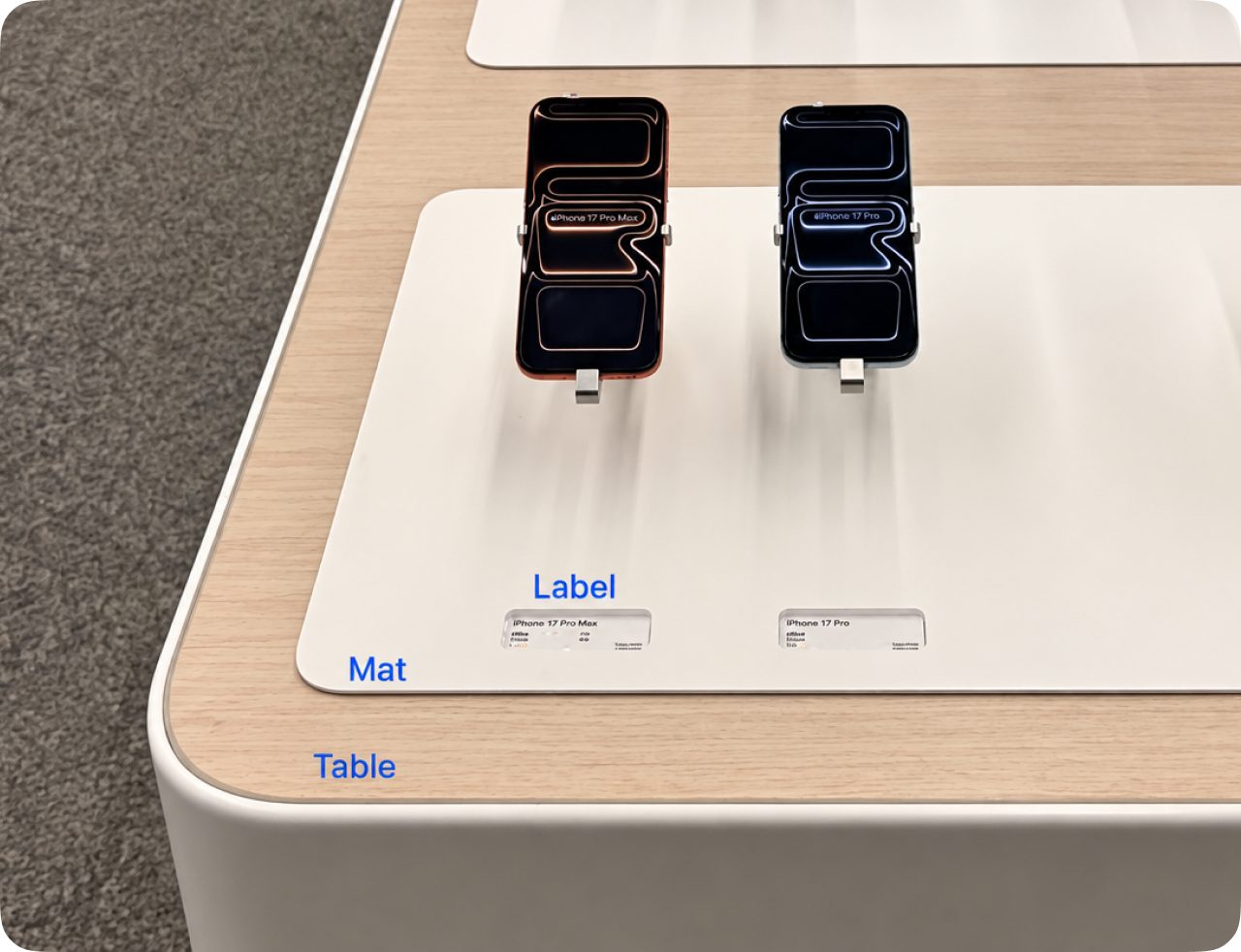
When one rounded shape sits inside another, their corners should share a center.
For example, in the latest macOS, the red close button sits in the window’s corner so that it shares the corner’s center.
How much to round
There’s no single correct radius, but a couple of questions to consider are:
- What will be primarily associated with this product? Is it your finger, or your hand, or a part of your body, or the whole body, or something bigger?
- Ex: A phone’s corner should be soft enough when resting in the palm of your hand, but not so much that it reduces screen space
- Ex: A chair meets your legs and back. (Imagine if there’s a collision between your shin and the chair. How curvy should the corner be such that it can minimize the pain, while still nicely containing people sitting on it?)
- Ex: A car or a building meets the air and the walking/biking path around it.
- Aside from this specific product, are there other products that will often be seen together with it, in the same family? Items that are together should share similar corner radii that make them feel like the same family.
- Ex: A phone and a laptop are often seen together
- Ex: When designing a kitchen, the cabinet, countertop, windows, and lighting are often seen together
- Ex: A bathroom’s sink, tub, toilet, and cabinet are often seen together
Not everything should have round corners
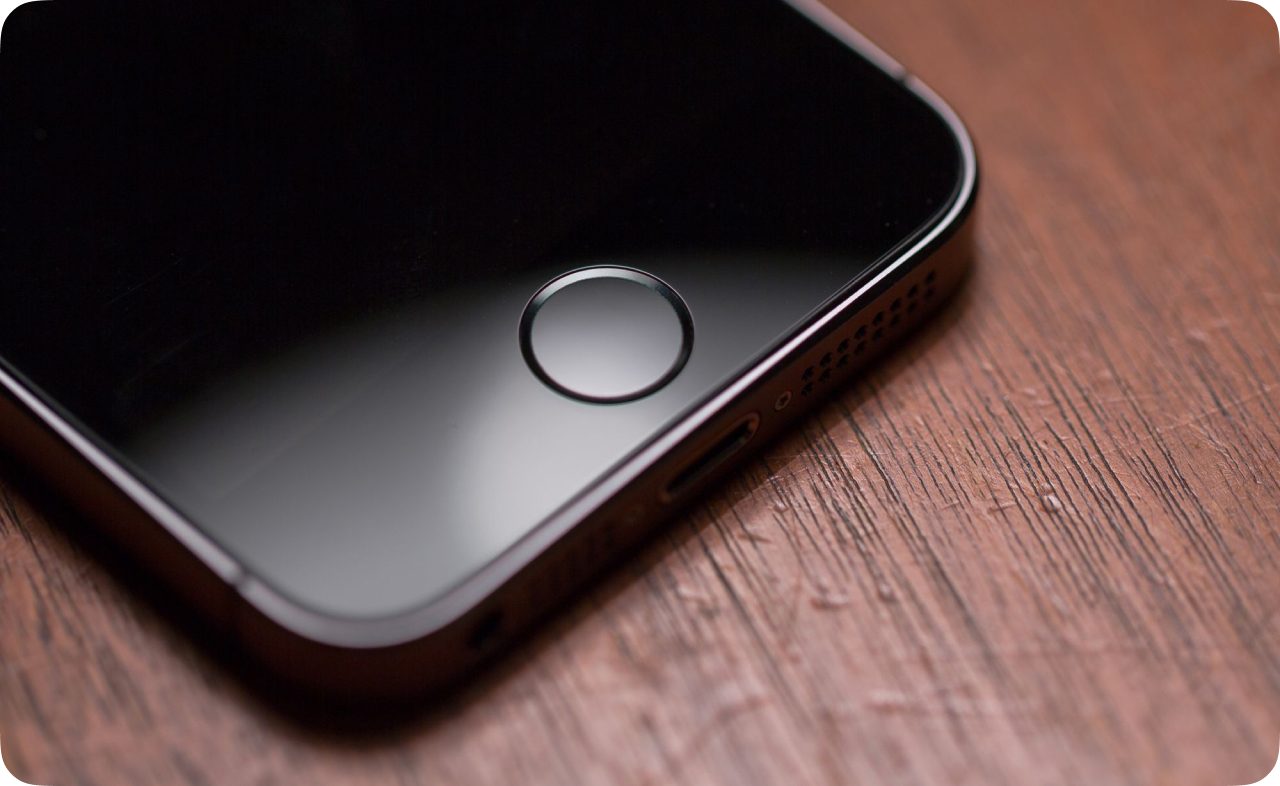
When something has one job and nothing to contain, a circle often beats a rectangle: a shutter button, a home button, a knob.
Sometimes a corner should stay sharp. Things that pack together, like floor tiles, leave unnecessary gaps when their corners are round. Tools that signal precision, like a ruler or a spreadsheet grid, also look better square. Spotify once used sharp corners in all of their cover/playlist art as a nod to the shape of CDs and vinyl records.
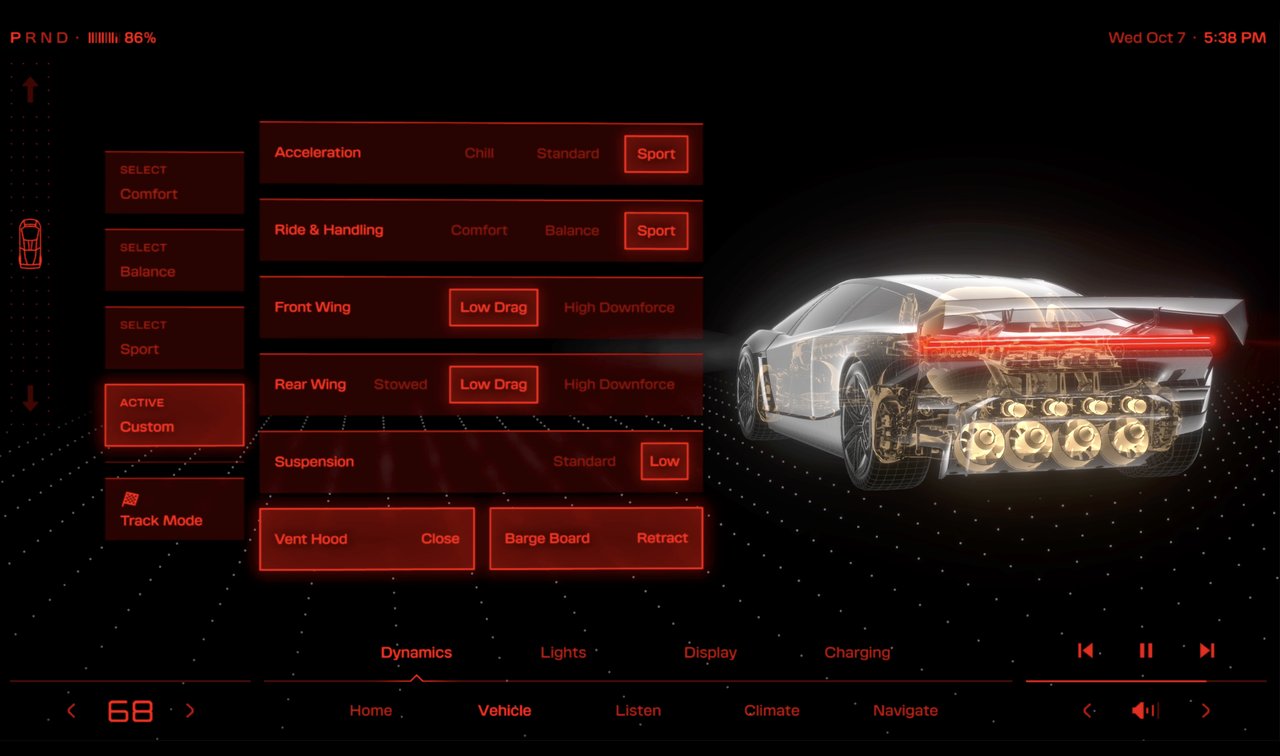
Many video games also don’t use round corners. The sharp style throughout the UI brings out the intensity of the action in the immersive world.



Cars like the Tesla Roadster and Lamborghinis have their own sharp style in both the physical car and their digital interfaces.
Once you see them
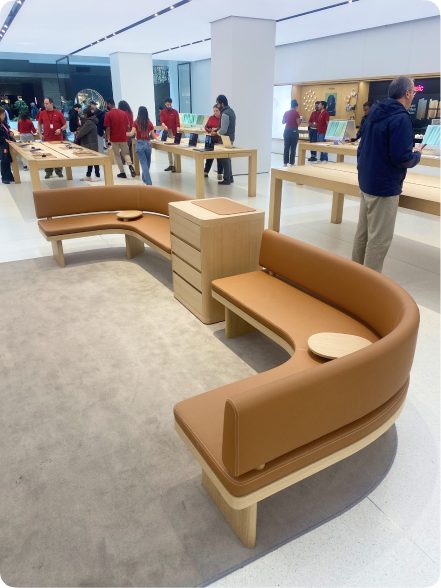
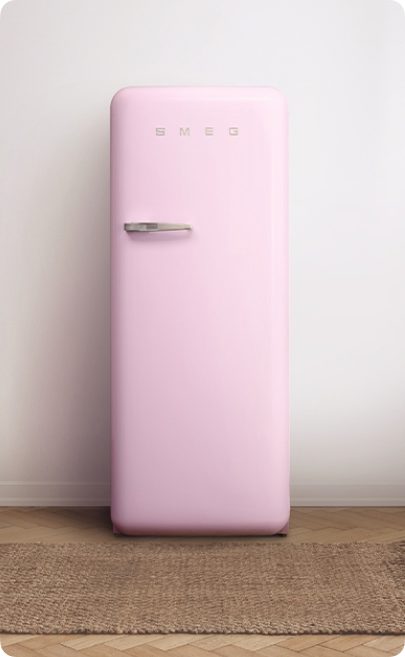
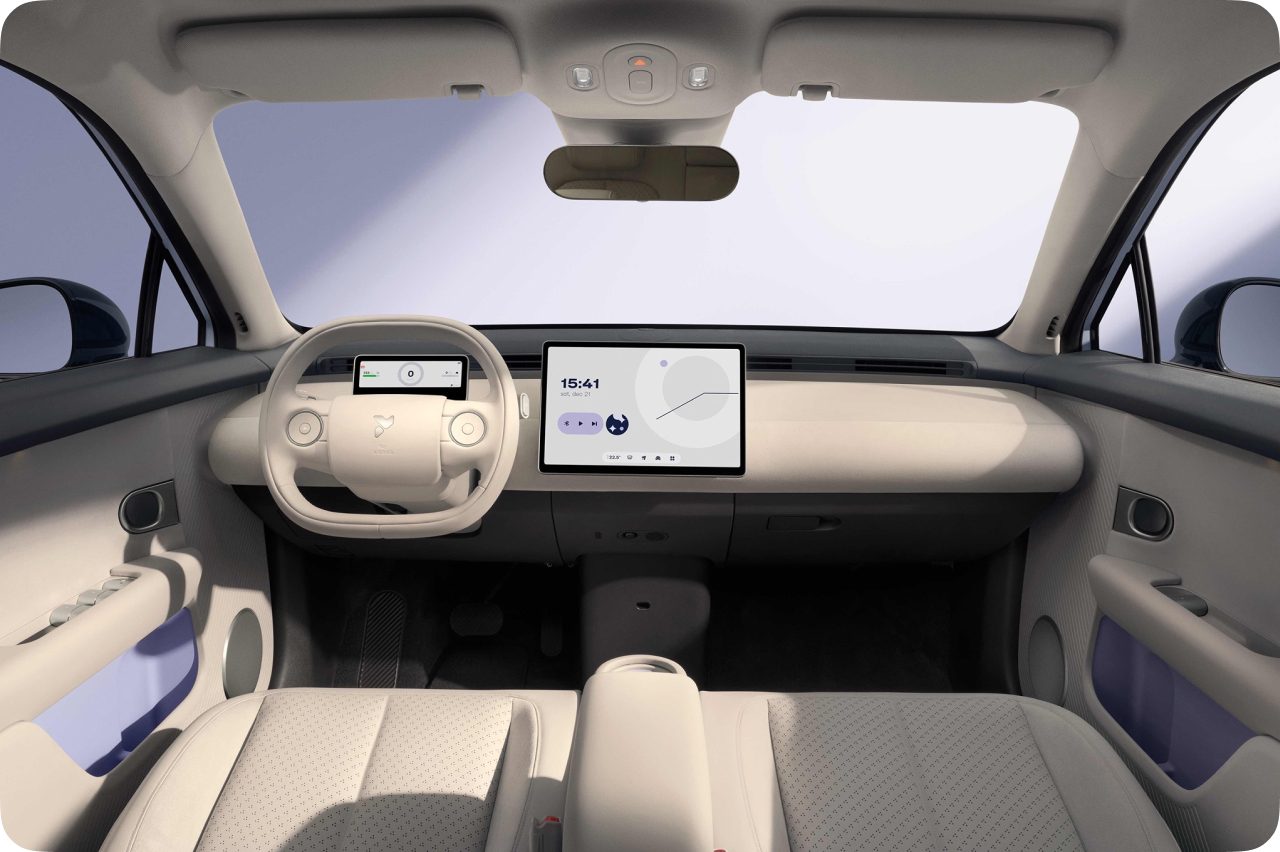
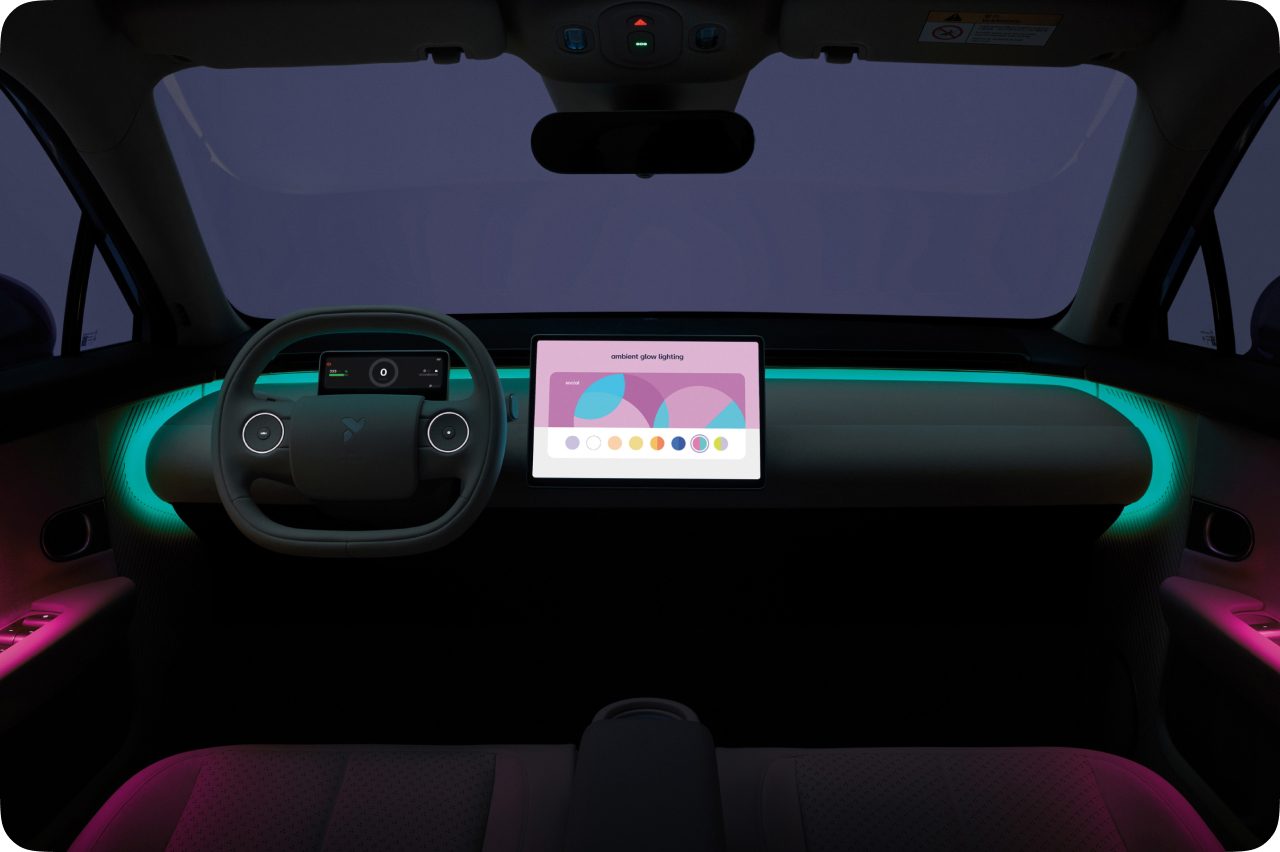
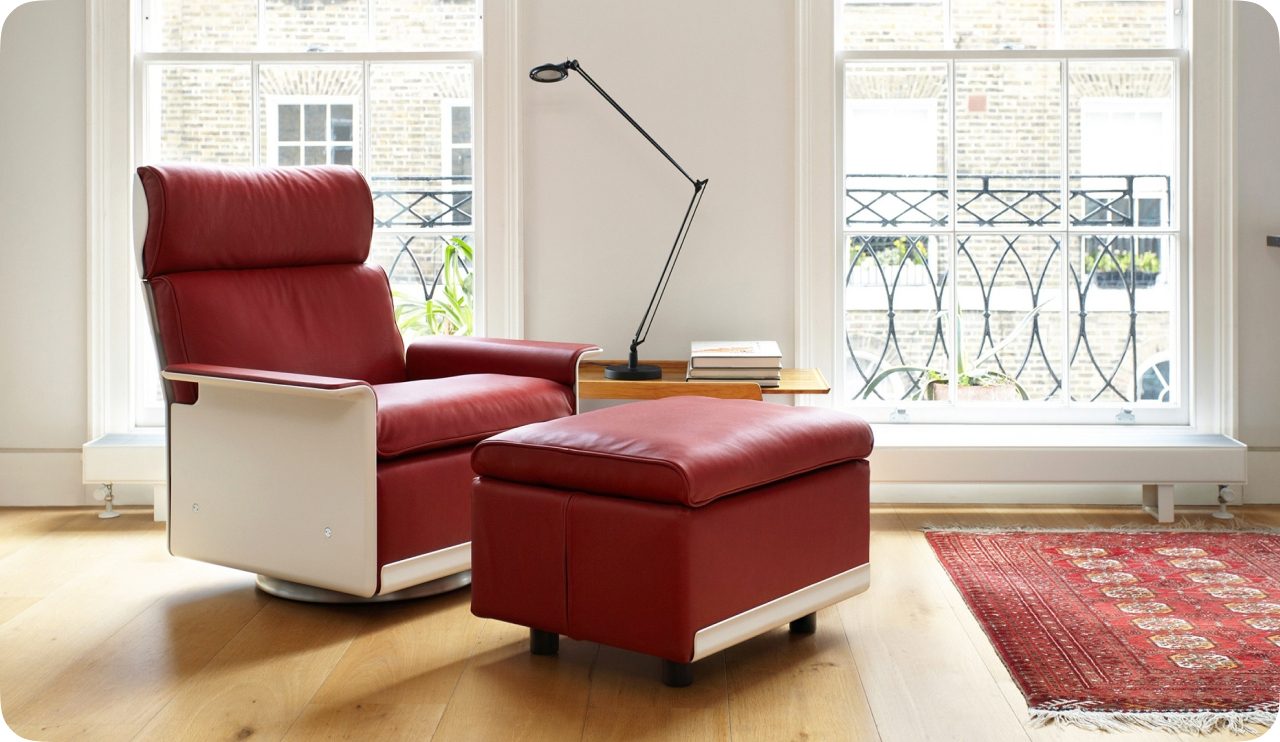
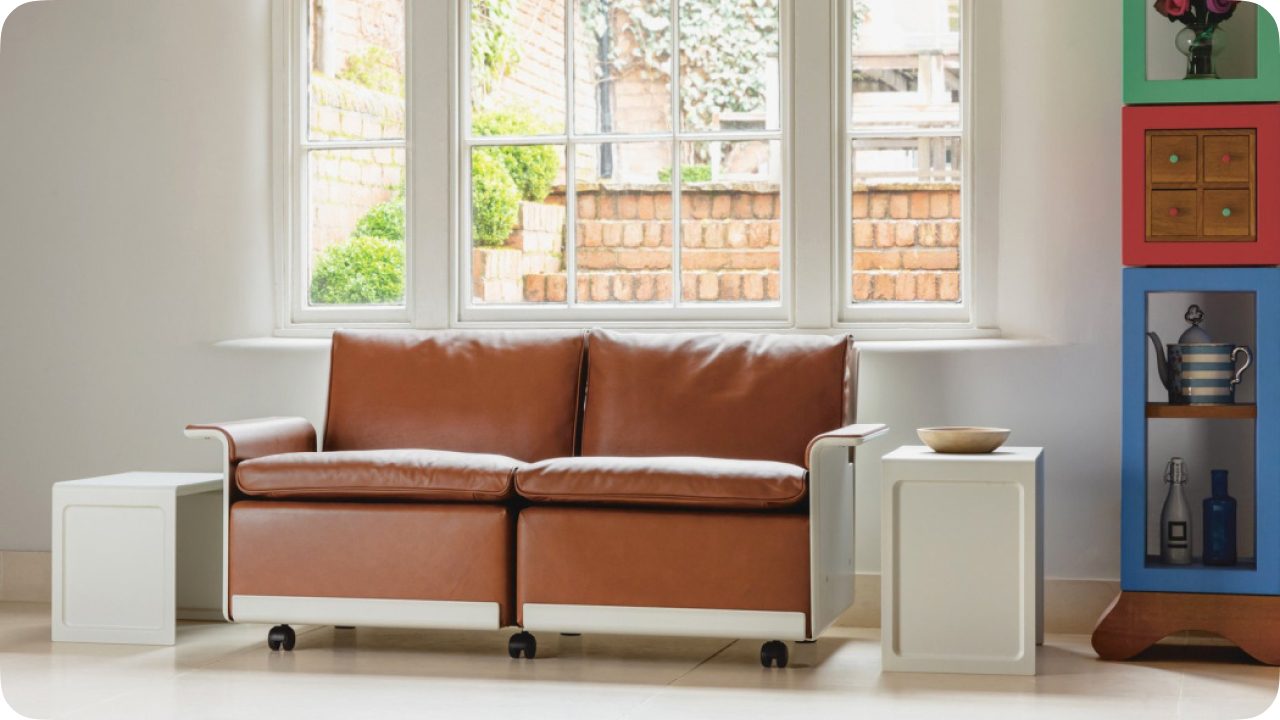
Once you start noticing the use of curves between straight lines, it’s hard to stop. Here are some more examples.


Conclusion
A good rounded corner makes the product feel approachable, while successfully keeping the structure, order, and room to contain something. I hope this article helped inspire a bit when and how to apply smooth corners to the things you build.